
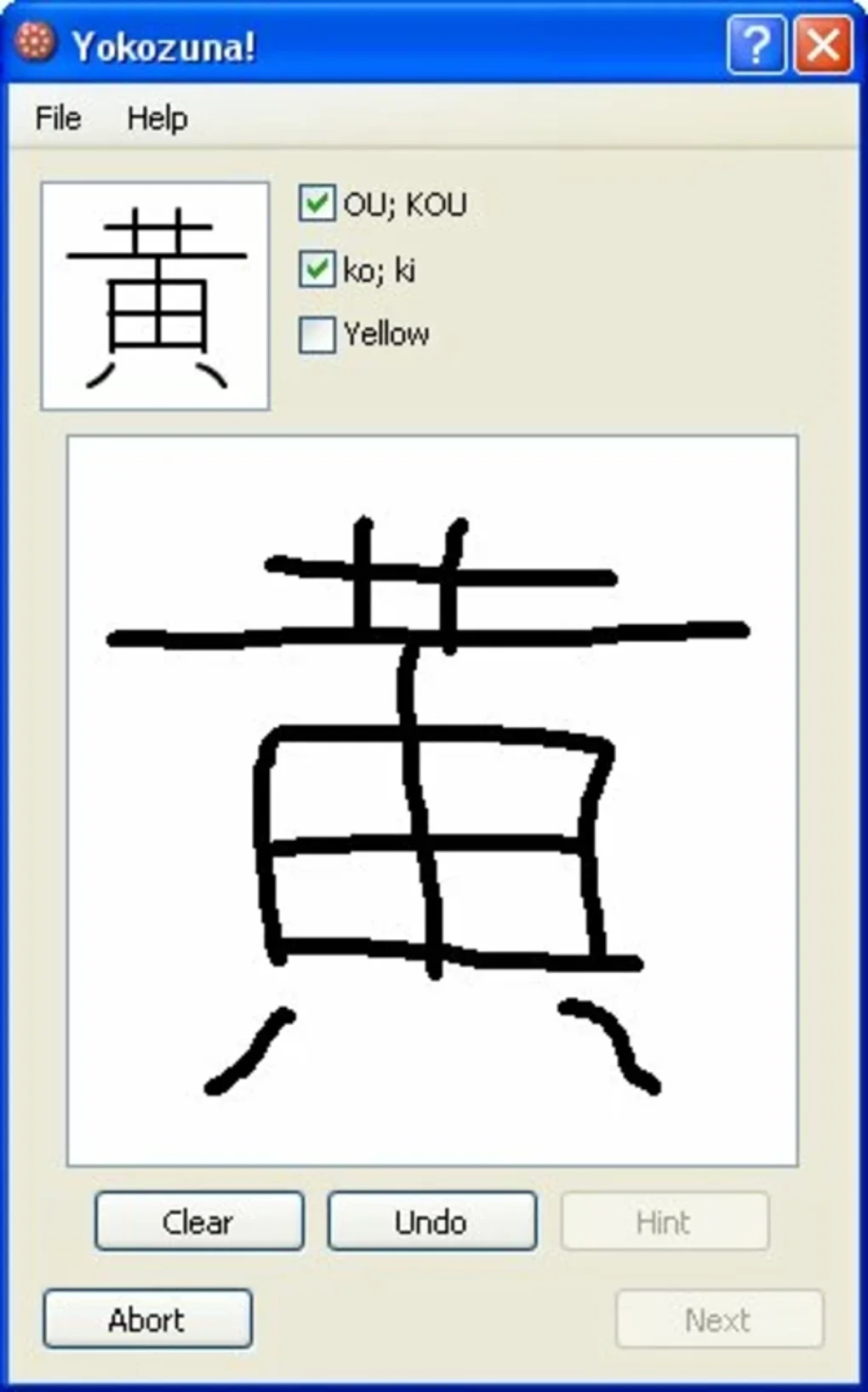


Download Yokozuna – Powerful Language & Translation Software for Windows
In a world where communication crosses borders every second, having a reliable language and translation companion is no longer a luxury—it’s a necessity. Yokozuna, developed by Raiboo Software, steps onto the Windows stage as a full‑version language learning and translation suite designed to empower students, professionals, and language enthusiasts alike. Whether you’re tackling a foreign‑language textbook, preparing a multilingual presentation, or simply exploring new linguistic horizons, Yokozuna promises a secure, feature‑rich environment that blends learning tools with real‑time translation capabilities. This review digs deep into what makes Yokozuna stand out, how easy it is to get up and running, the platforms it supports, and the strengths and drawbacks you should weigh before hitting that download button. Let’s explore why Yokozuna could become the cornerstone of your multilingual workflow.
Comprehensive Overview and Core Feature Set
Yokozuna positions itself as an all‑in‑one language and translation platform for Windows users. Unlike many fragmented tools that require you to juggle separate dictionaries, flashcard apps, and online translators, Yokozuna integrates these functions into a single, cohesive interface. The software’s architecture focuses on three primary pillars: interactive language learning, high‑precision translation, and customizable workflow automation. Built with a modern UI, the program offers a clean workspace that reduces visual clutter while providing quick access to essential functions.
The learning module incorporates spaced‑repetition flashcards, audio pronunciation guides, and contextual sentence examples sourced from authentic corpora. This approach mirrors proven language acquisition methodologies, helping learners retain vocabulary longer and understand usage nuances. For translators, Yokozuna supplies a dual‑pane editor where source text and target translation appear side by side, complemented by AI‑assisted suggestions that adapt to your style over time. The software also supports batch translation, allowing users to process large documents or subtitle files in one go, saving countless hours of manual copy‑pasting.
- Interactive flashcard system with spaced repetition.
- Native audio recordings for over 30 languages.
- Dual‑pane translation editor with real‑time AI suggestions.
- Batch processing for documents, PDFs, and subtitle files.
- Customizable glossaries and terminology management.
- Integrated OCR for scanning printed text directly into the editor.
- Offline mode – full functionality without an internet connection.
- Regular updates with new language packs and AI model improvements.
Beyond these headline features, Yokozuna also offers a robust API for developers who want to embed its translation engine into third‑party applications. The API follows REST standards and includes rate‑limiting controls, making it suitable for both small‑scale projects and enterprise deployments. Security is baked in: all data transfers are encrypted via TLS 1.3, and the software respects user privacy by storing custom glossaries locally unless the user opts into cloud sync.
Installation, Day‑to‑Day Usage, Compatibility, and Real‑World Pros & Cons
Easy Installation and First‑Run Experience
Getting Yokozuna onto your Windows machine is straightforward. After purchasing the license, you receive a secure download link and a 25‑character activation key. The installer is a single .exe file, approximately 120 MB, that guides you through the usual steps: accept the EULA, choose an installation folder, and decide whether to create a desktop shortcut. The process completes in under three minutes on a typical modern PC. Upon first launch, Yokozuna runs a brief system check to confirm required .NET Framework components are present; if not, it automatically fetches and installs them, ensuring a smooth start.
Once the software boots, a welcome wizard walks you through initial configuration: selecting your native language, choosing the target languages you wish to study, and optionally importing existing vocabulary lists from CSV or Anki files. The wizard also prompts you to set up your preferred translation engine (standard AI model vs. premium neural network) and to enable or disable automatic cloud backup. This guided setup reduces the learning curve and lets you start translating or studying within ten minutes.
Compatibility and System Requirements
Yokozuna is built exclusively for Windows 10 (1809 or later) and Windows 11, supporting both 64‑bit and 32‑bit architectures. Minimum system requirements include a 1.8 GHz processor, 4 GB RAM, and 250 MB of free disk space for the core application; however, for optimal performance—especially when handling large batch translations or using the AI‑enhanced engine—Raiboo recommends 8 GB RAM and a solid‑state drive. The software runs flawlessly on virtual machines and is fully compatible with Windows Sandbox, making it a safe choice for organizations that need to isolate translation workflows.
Pros and Cons – The Balanced Verdict
- Pros:
- All‑in‑one platform eliminates the need for multiple separate tools.
- High‑quality AI translation that learns from user edits.
- Comprehensive offline capabilities protect privacy and enable work without internet.
- Extensive language support—over 30 languages with expanding packs.
- Batch processing and OCR dramatically speed up large‑scale projects.
- Regular updates keep the software current with the latest linguistic data.
- Cons:
- Windows‑only; macOS, Linux, Android, and iOS users must look elsewhere.
- Full version carries a price tag (~$49.99) which may deter casual hobbyists.
- Initial AI model may feel slower on older hardware without SSD.
- Advanced API access requires an additional developer license.
Overall, Yokozuna’s strengths in unified workflow and AI‑driven translation outweigh the platform limitation and cost for serious learners and professional translators. The occasional performance dip on legacy machines can be mitigated by adjusting the AI engine’s processing mode to “lightweight,” a setting available in the preferences pane.
Frequently Asked Questions
Is Yokozuna available for macOS or Linux?
Currently, Yokozuna is released exclusively for Windows 10 and Windows 11. Raiboo Software has indicated that a cross‑platform version is under consideration, but no official release date has been announced.Can I use Yokozuna offline?
Yes. All core translation engines, flashcard modules, and OCR tools function without an internet connection. Cloud sync and AI model updates require online access, but basic usage is fully offline.How does the pricing structure work?
Yokozuna is sold as a one‑time purchase for $49.99 USD, which includes lifetime updates for the current major version. Optional premium language packs and the developer API are priced separately.Does Yokozuna support batch translation of subtitle files?
Yes. The batch processing module can import SRT, VTT, and ASS subtitle formats, translate them in bulk, and export the localized files while preserving timestamps.Is my data safe when using Yokozuna’s cloud backup?
All cloud‑synced data is encrypted with AES‑256 encryption during transit and at rest. Raiboo’s privacy policy states that user‑generated glossaries and translation memories are never shared with third parties without explicit consent.Conclusion – Is Yokozuna the Right Choice for You?
Yokozuna delivers on its promise of being a comprehensive, secure, and user‑friendly language and translation suite for Windows. Its blend of interactive learning tools, AI‑enhanced translation, and powerful batch processing makes it a compelling option for anyone serious about mastering a new language or handling multilingual content professionally. While the Windows‑only restriction and upfront cost may be limiting factors for some, the depth of functionality, offline capability, and regular updates justify the investment for power users. If you’re looking for a single, all‑encompassing solution that reduces the need for multiple subscriptions and streamlines your linguistic workflow, Yokozuna is worth the download.
Ready to elevate your language projects? Click here to download Yokozuna now and start a 14‑day free trial that lets you explore every feature before committing. Experience secure, high‑quality translation and a modern learning environment—right from your Windows desktop.
Yokozuna stands out as a robust Windows‑only language tool with excellent AI translation and learning features. The only downsides are its platform limitation and price, but overall it offers great value for serious users.






